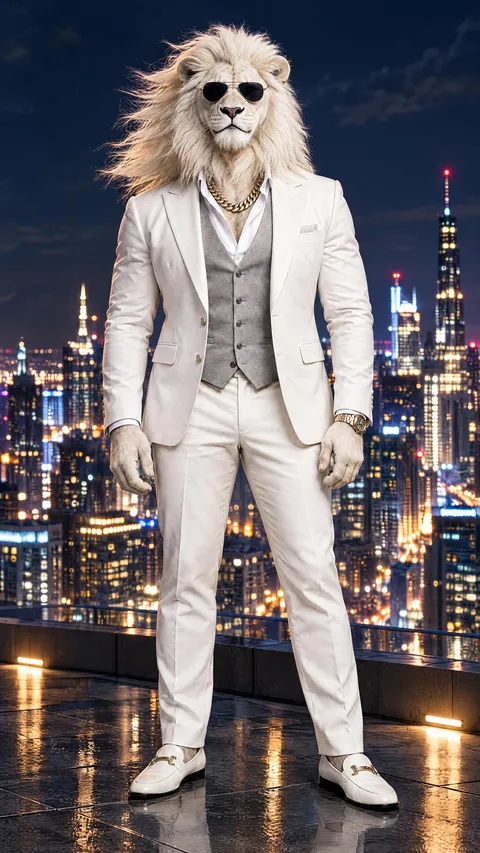
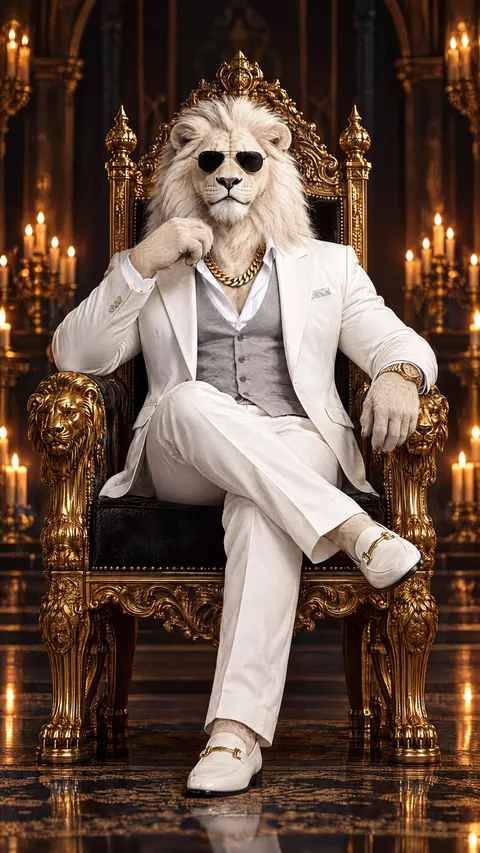
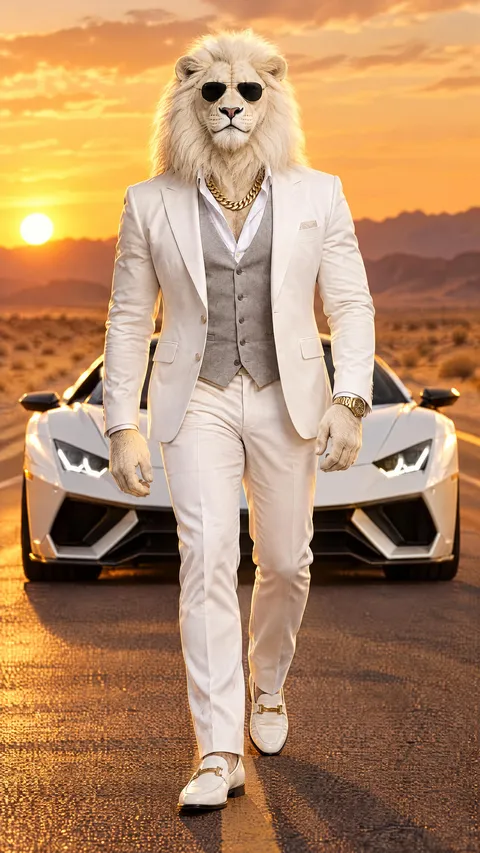
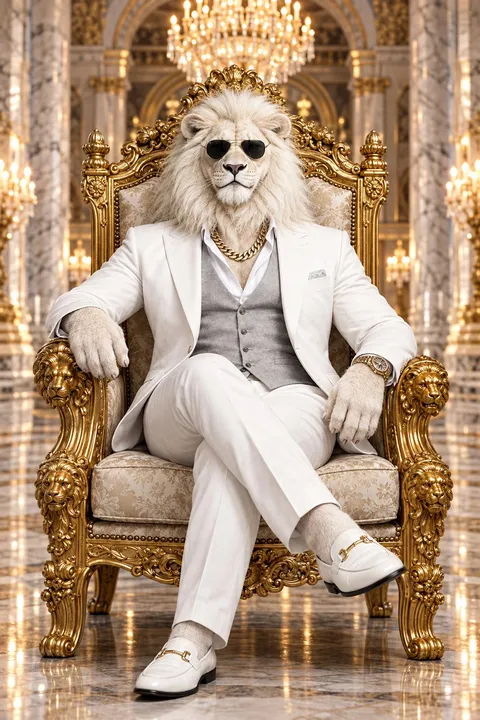
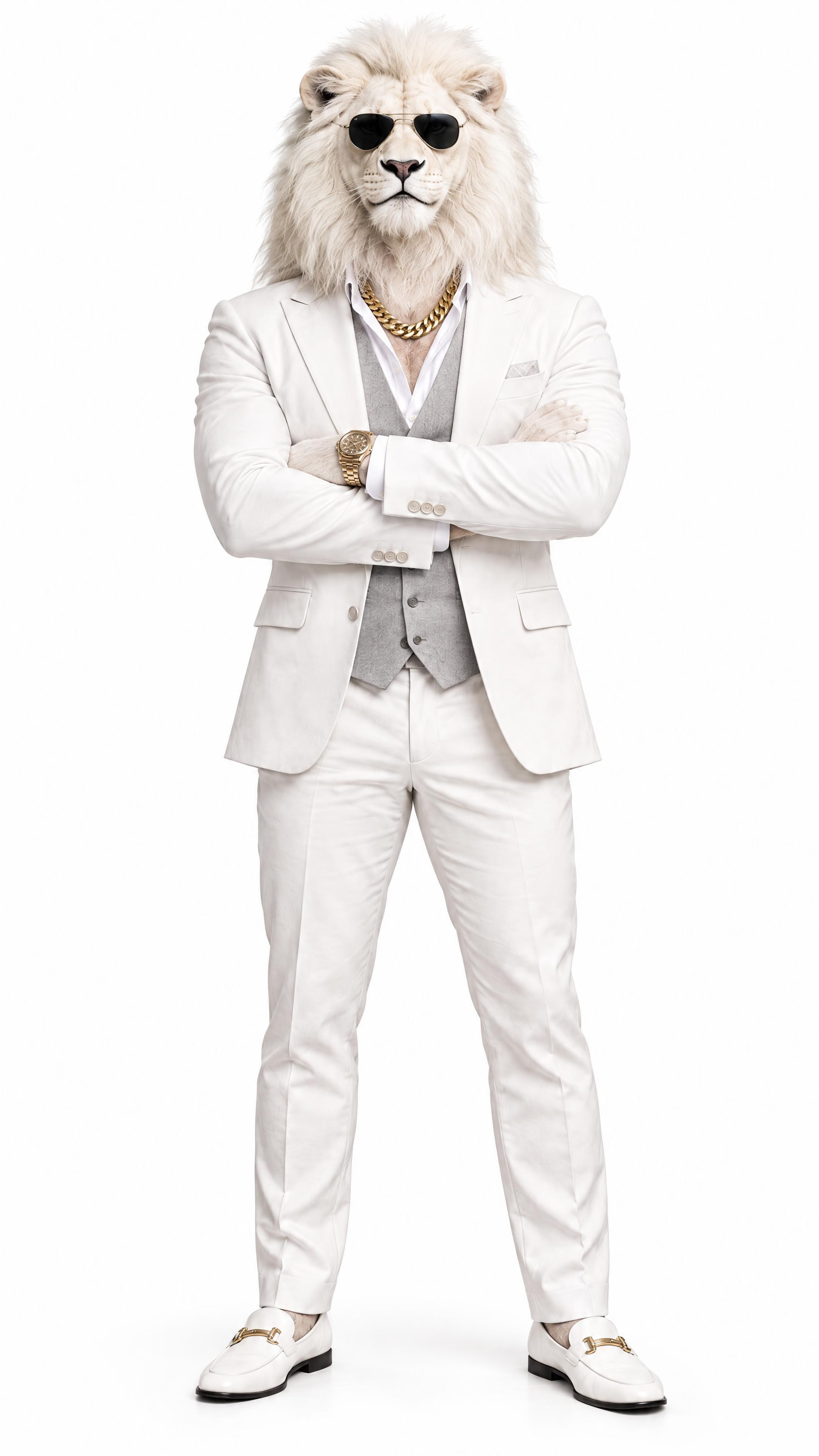
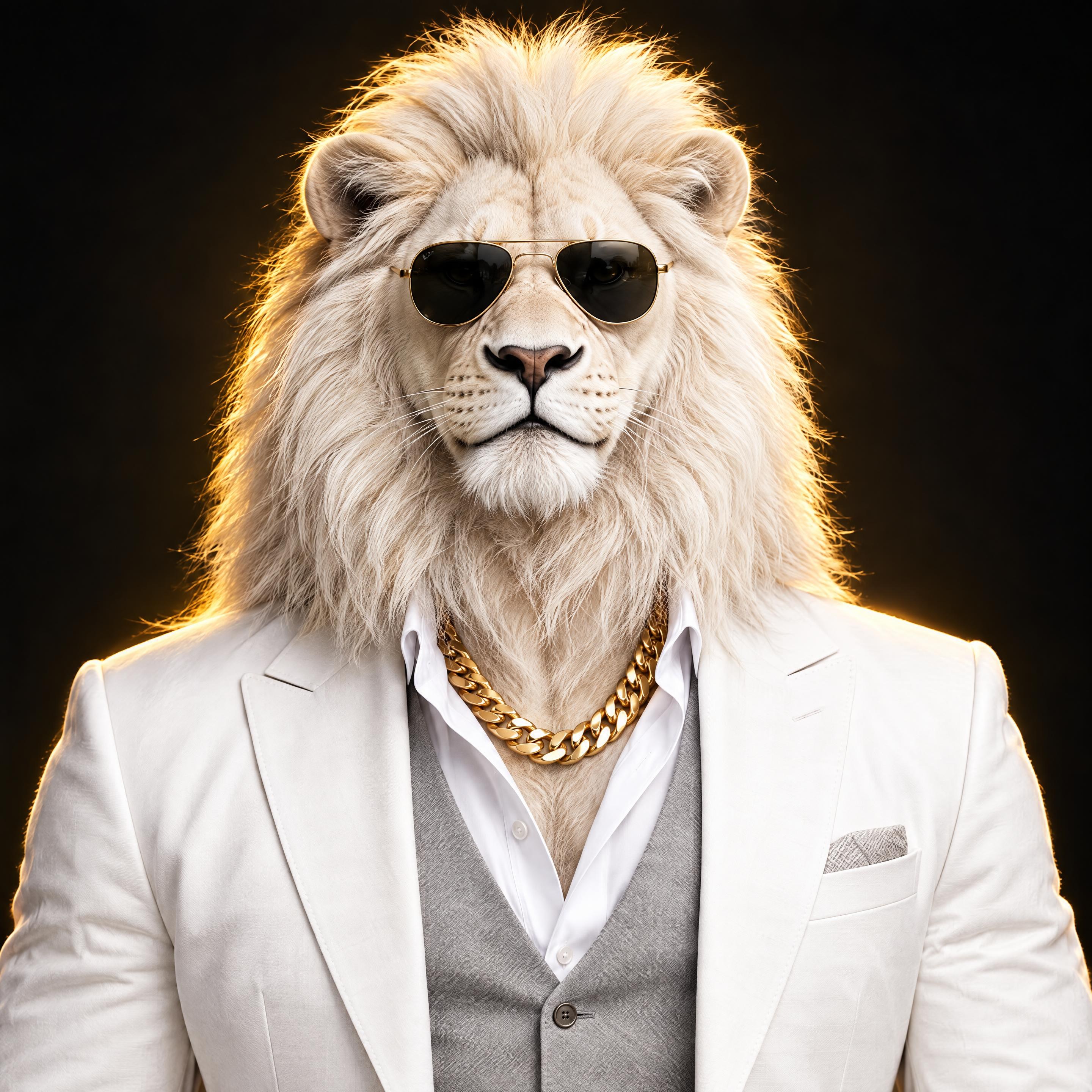
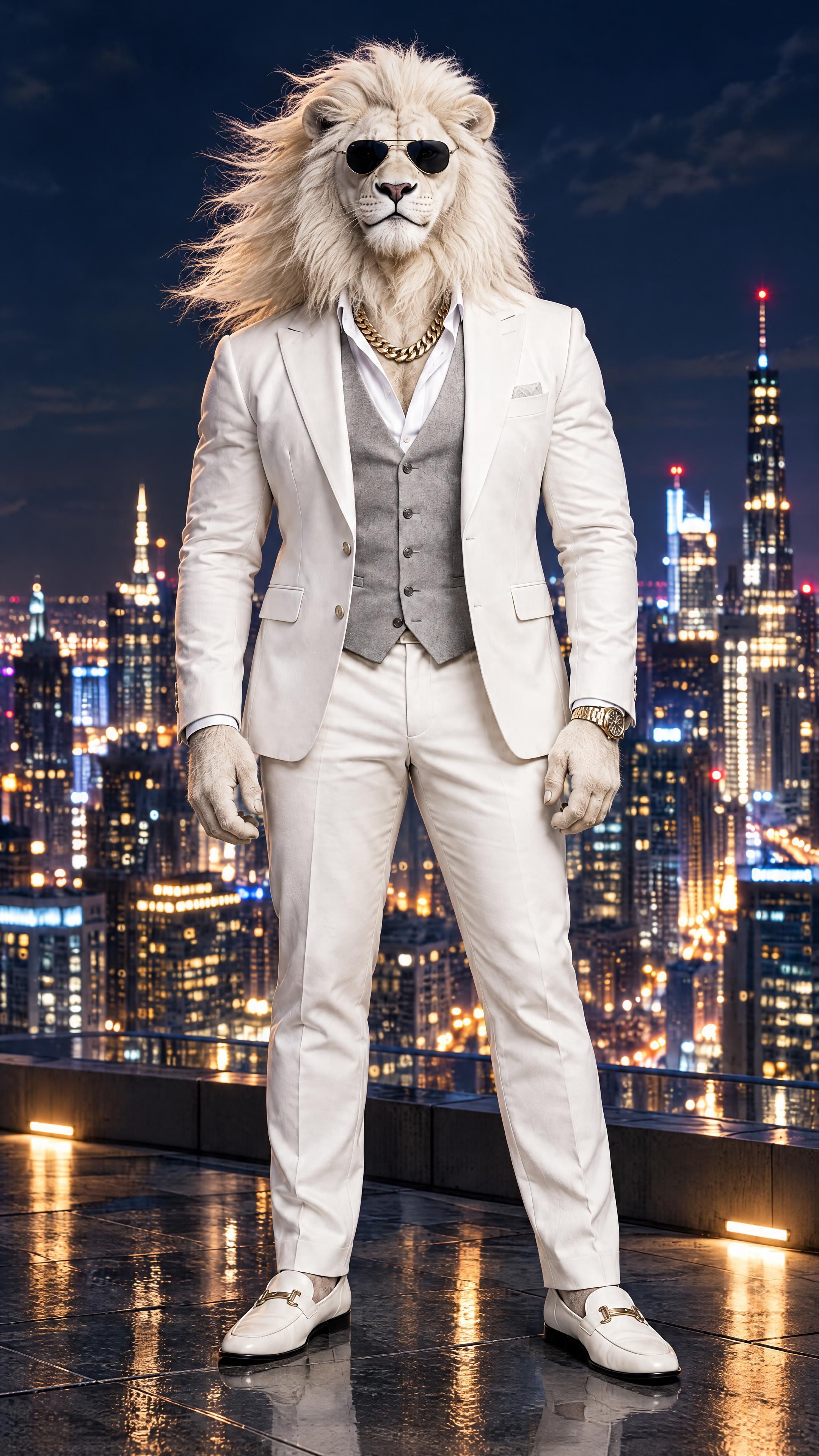
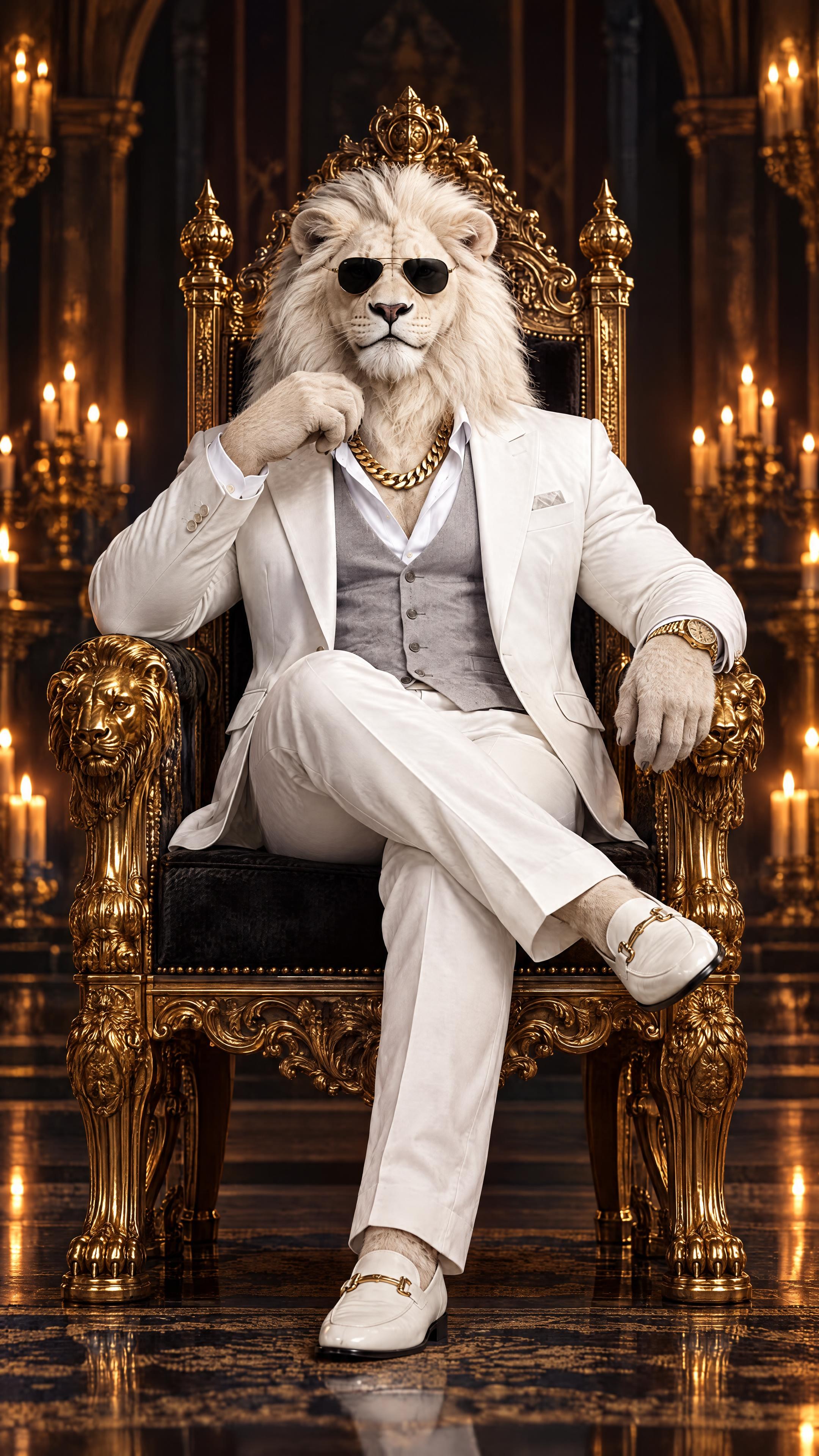
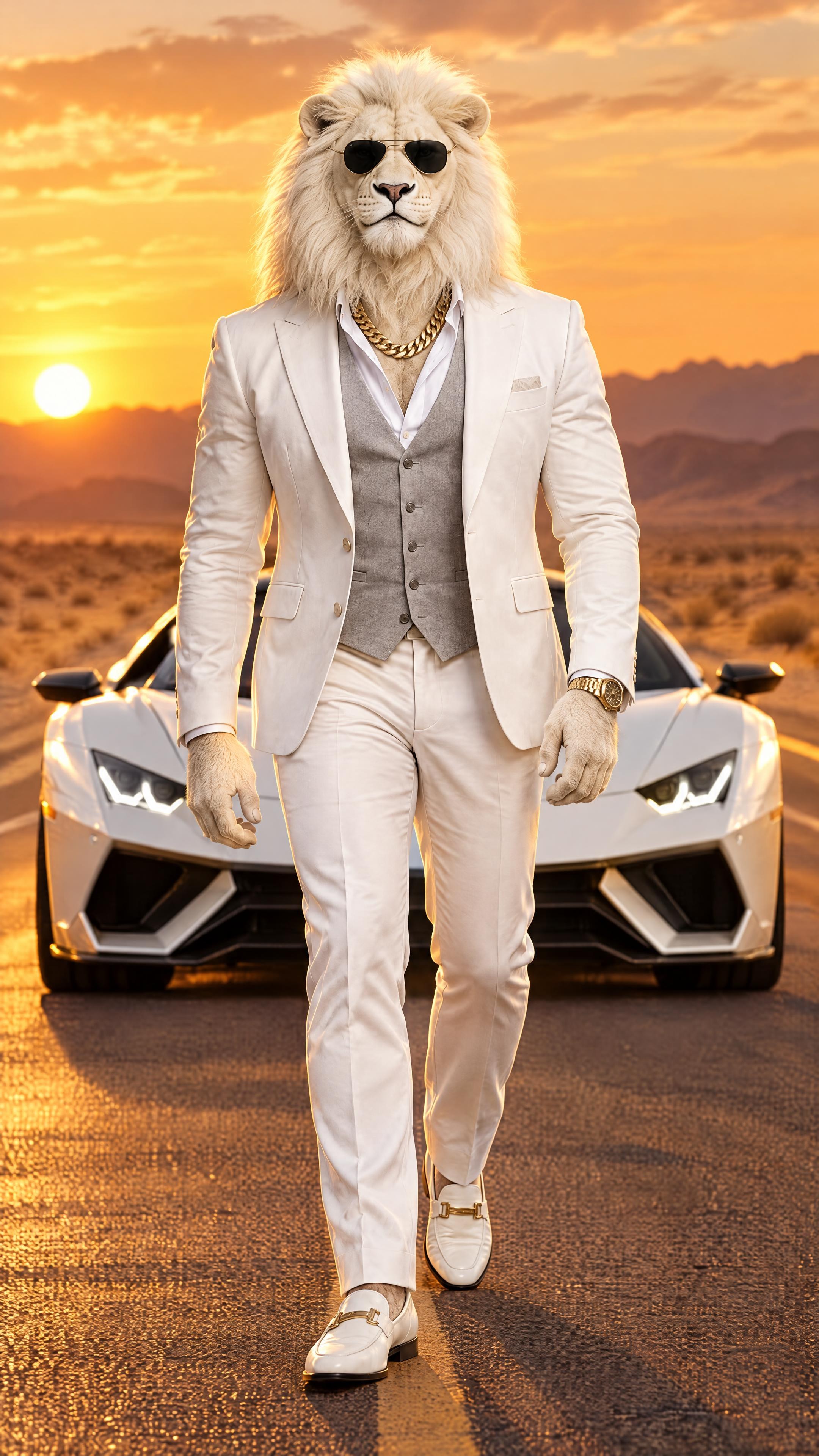
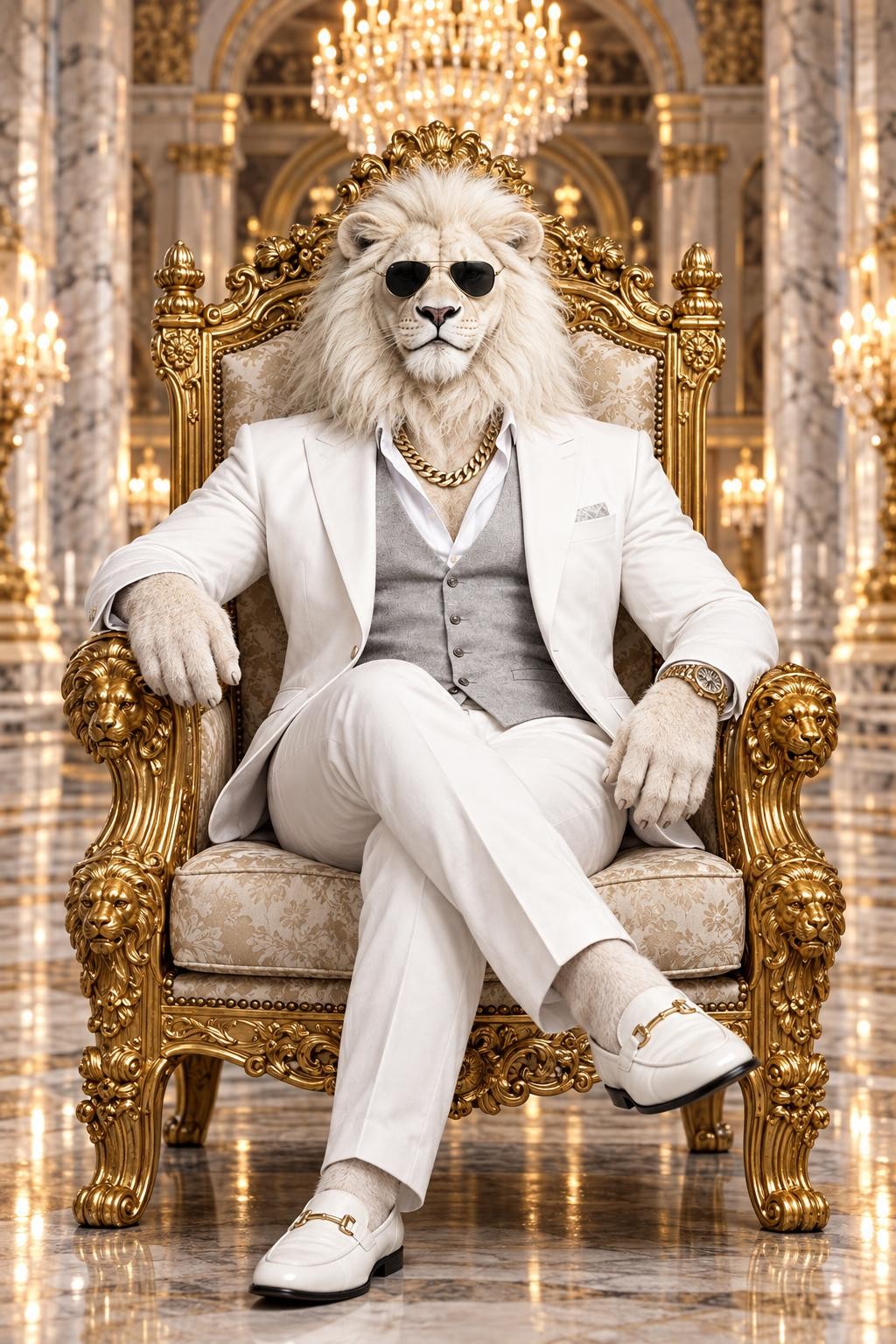
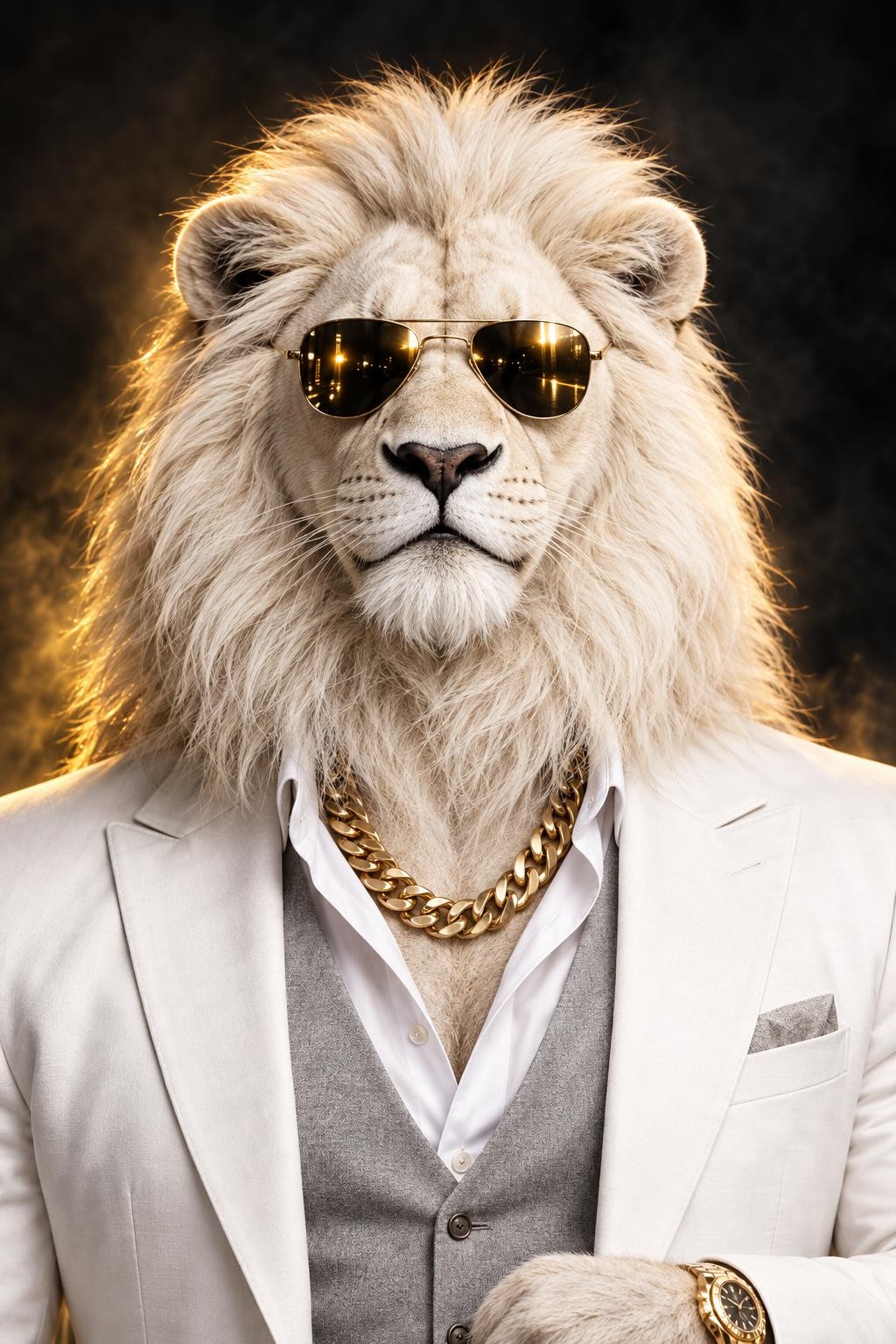
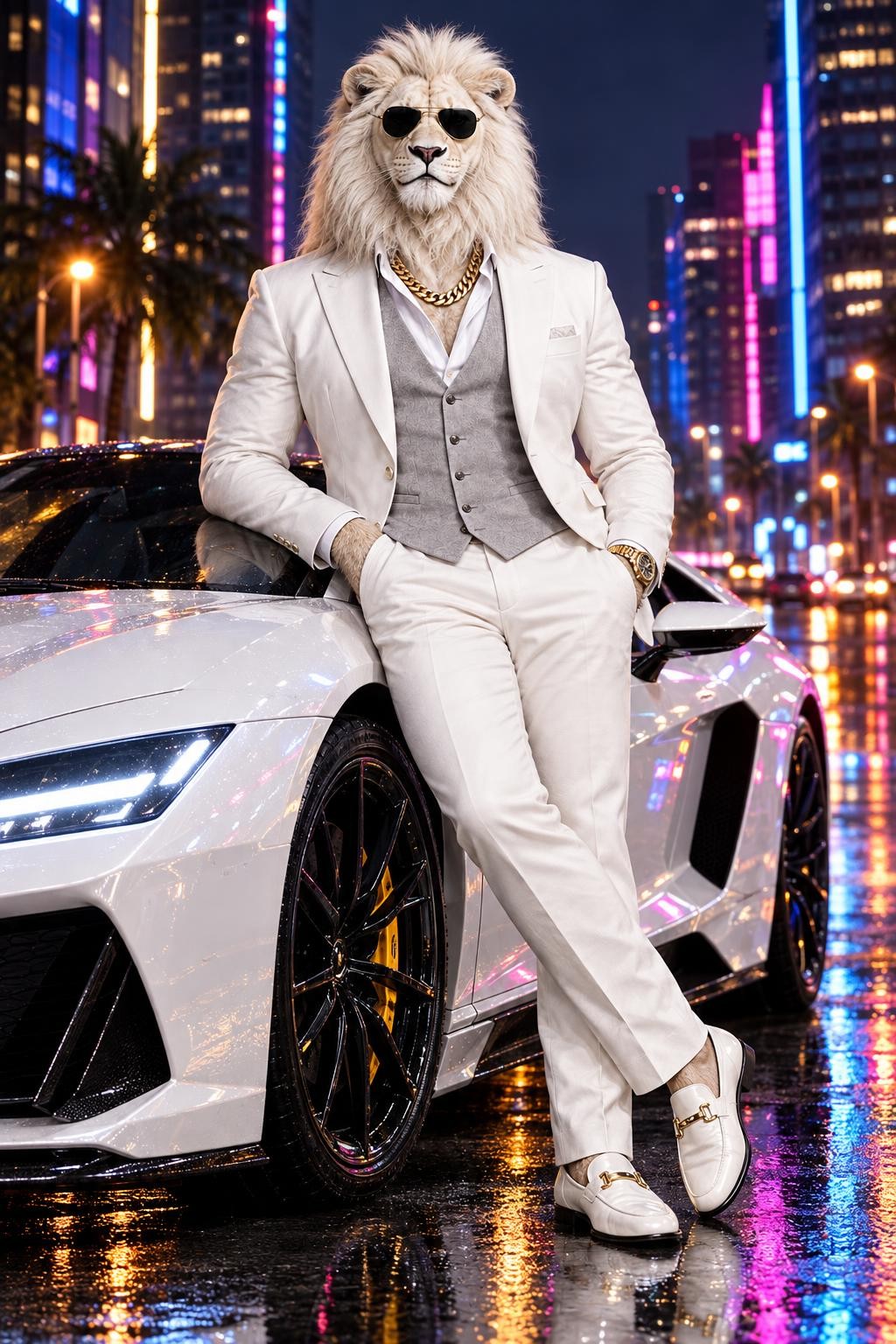
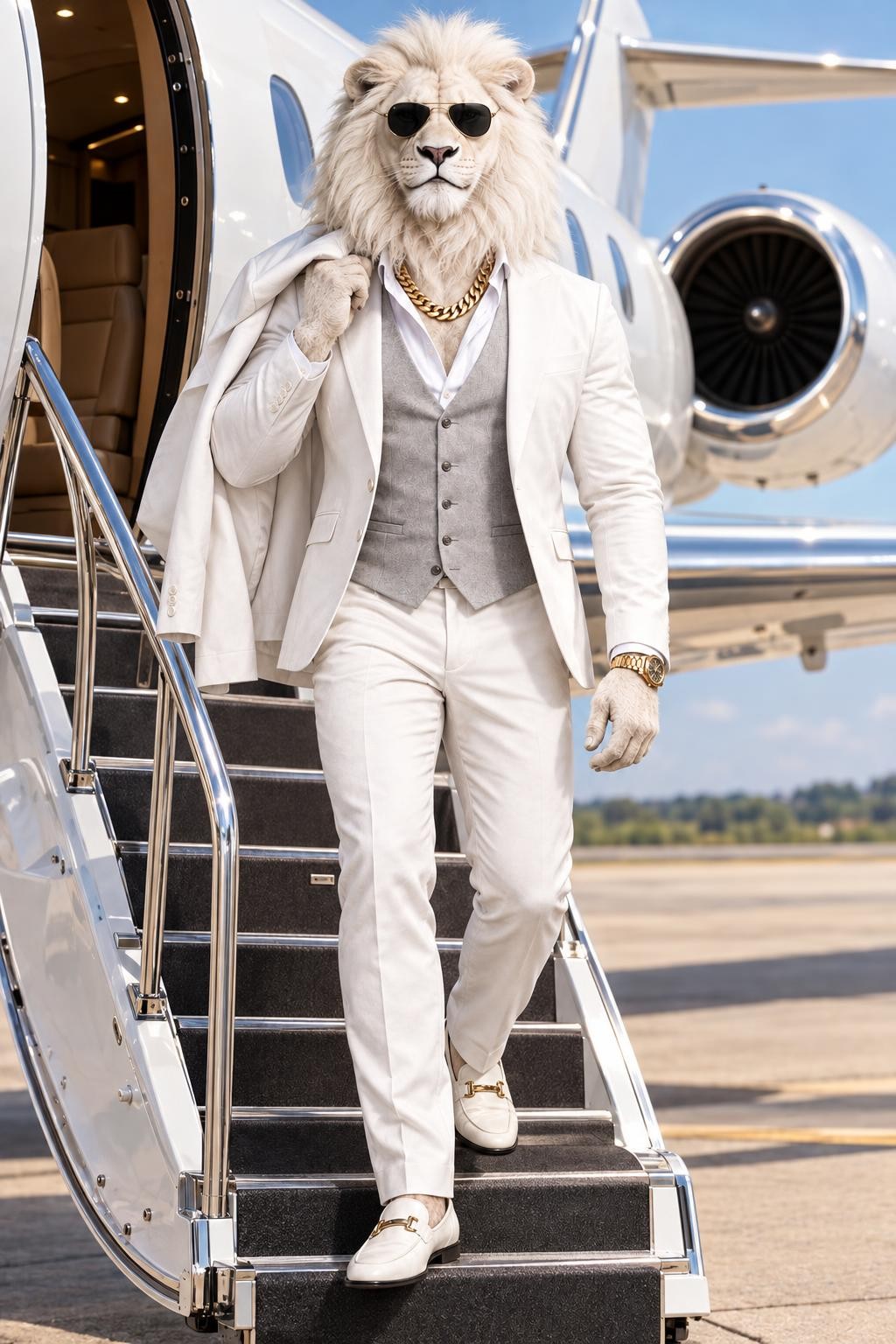
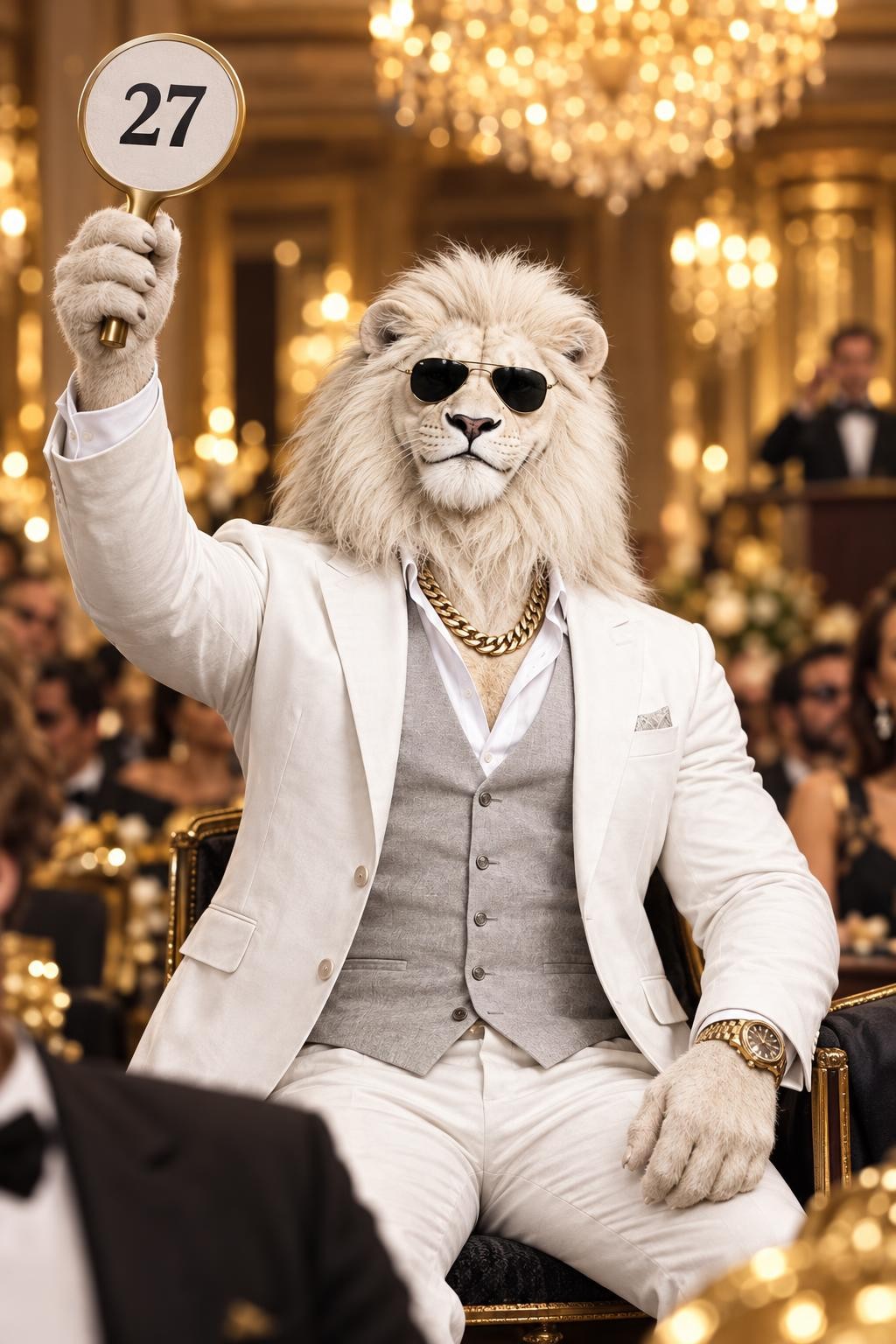
What is a Sheru Bhai photo?
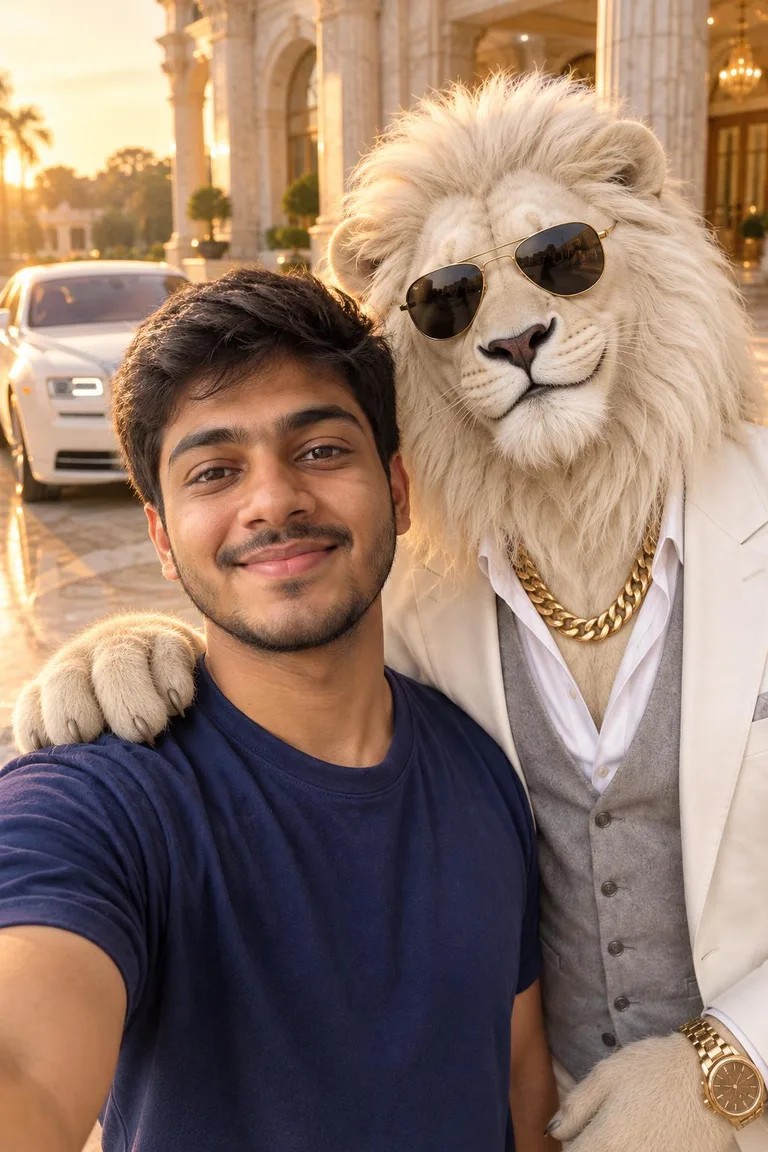
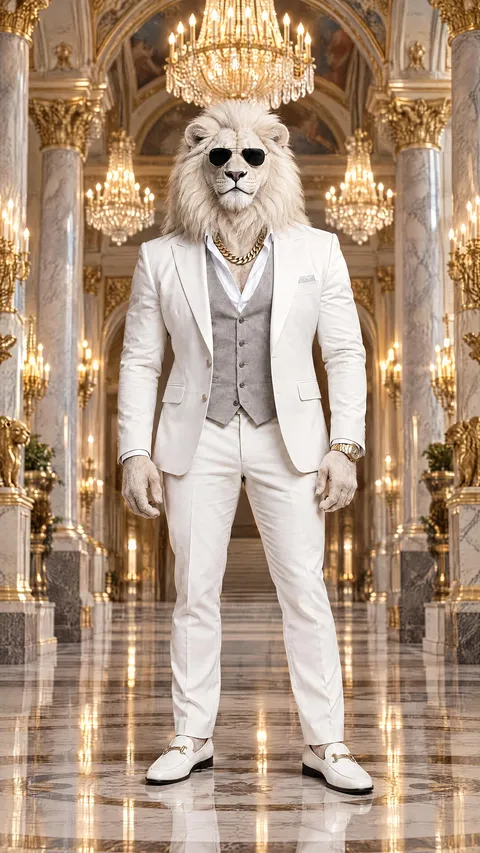
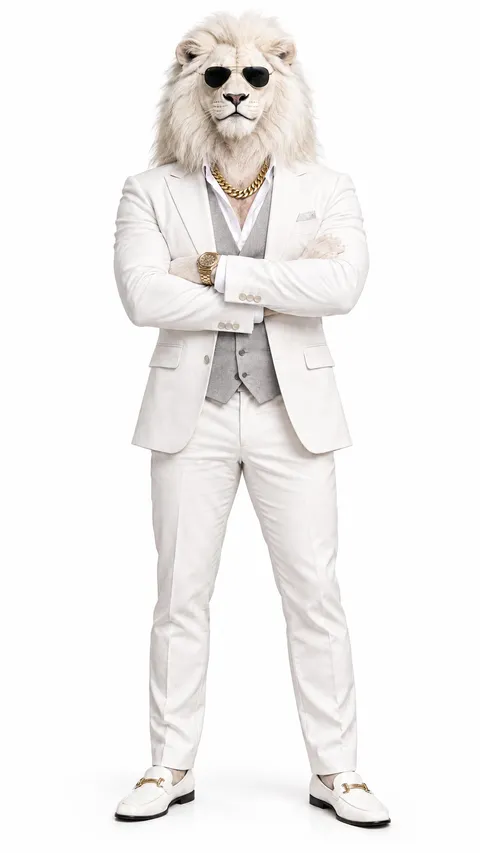
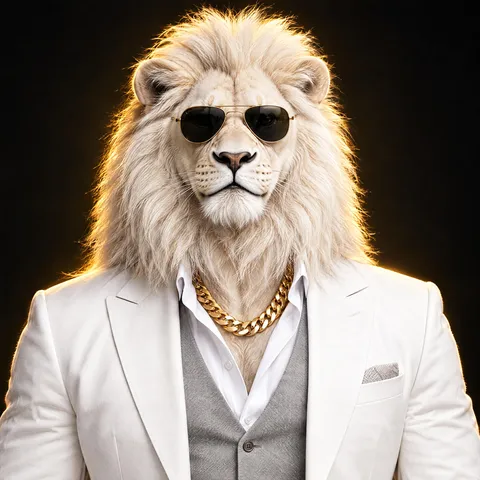
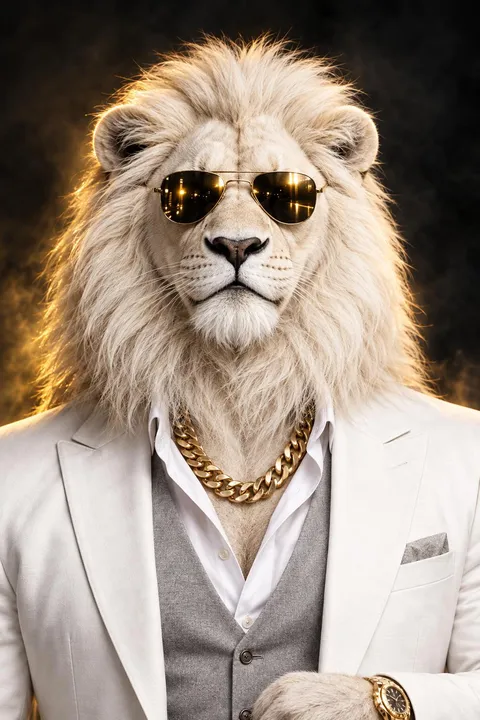
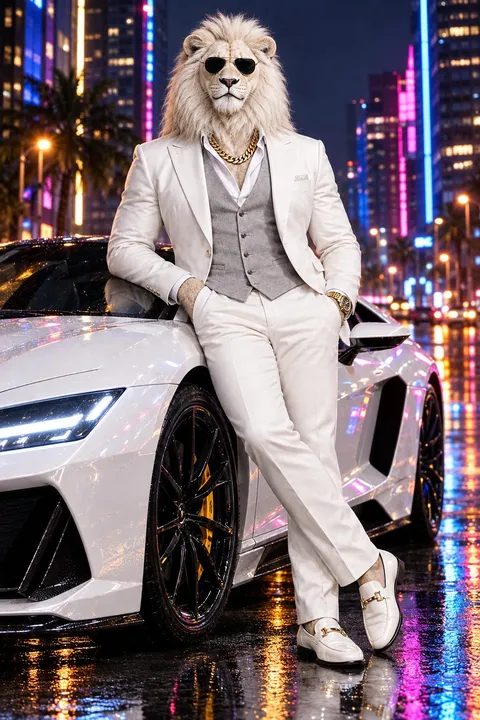
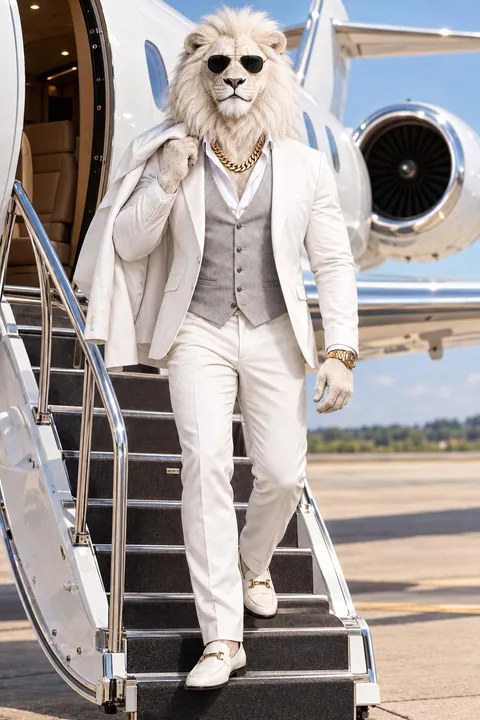
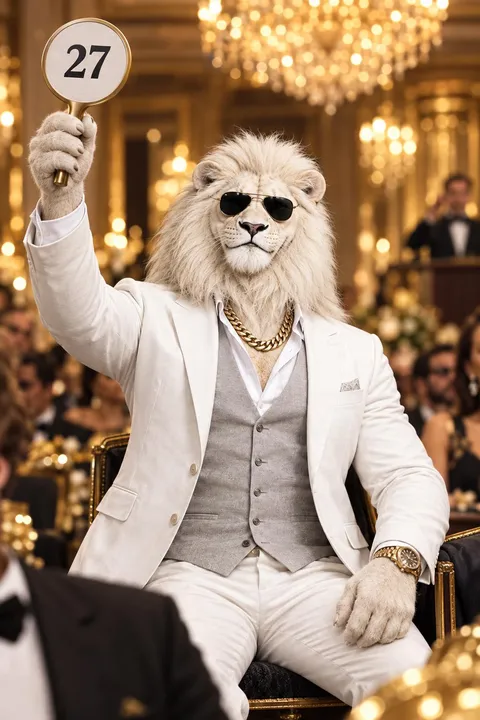
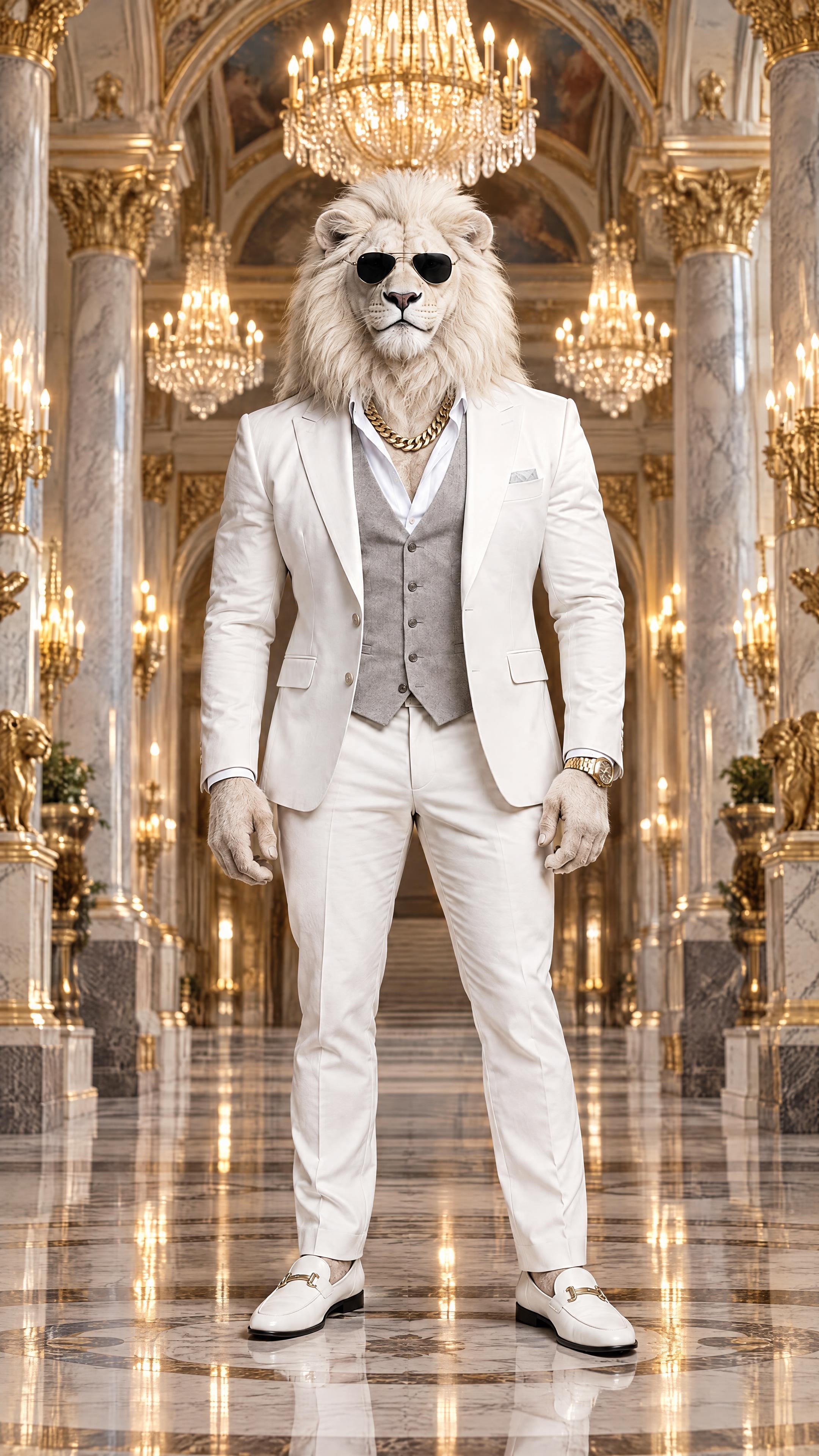
A Sheru Bhai photo is a picture of you with Sheru Bhai, the white lion boss from the viral AI meme. He wears a white three-piece suit, a heavy gold chain and black aviators, and he acts like the richest don in the room. Since October 2026, people across India have been posting Reels and photos of themselves next to him, or turned into him. You will also see it called a Sheru AI photo or a Sheru Bhai AI photo.
Most people make a Sheru Bhai photo by copying a long prompt from a YouTube description or an Instagram DM, pasting it into Gemini or ChatGPT, and hoping the face comes out right. You can still do it that way for free within those apps' limits. This page does the work for you instead: the prompt, the Sheru Bhai look and the scene are already set, and the same Sheru Bhai reference picture goes with every photo, so he looks the same each time.
How to make your Sheru Bhai photo
- Upload one selfie. Face the camera, use good light, and keep one person in the frame. JPG, PNG or WebP; big phone photos are resized for you.
- Pick a scene. Selfie with Sheru, Boss entry, Auction win, or Turn me into Sheru.
- Tap the button. Sign in with Google the first time; no app to install, it works in your phone browser. Your Sheru Bhai photo appears on the page when it is ready.
- Download or make it move. Save the photo for your status or Reel, or turn it into a 5-second video where Sheru Bhai speaks in Hindi.
The four Sheru Bhai photo scenes
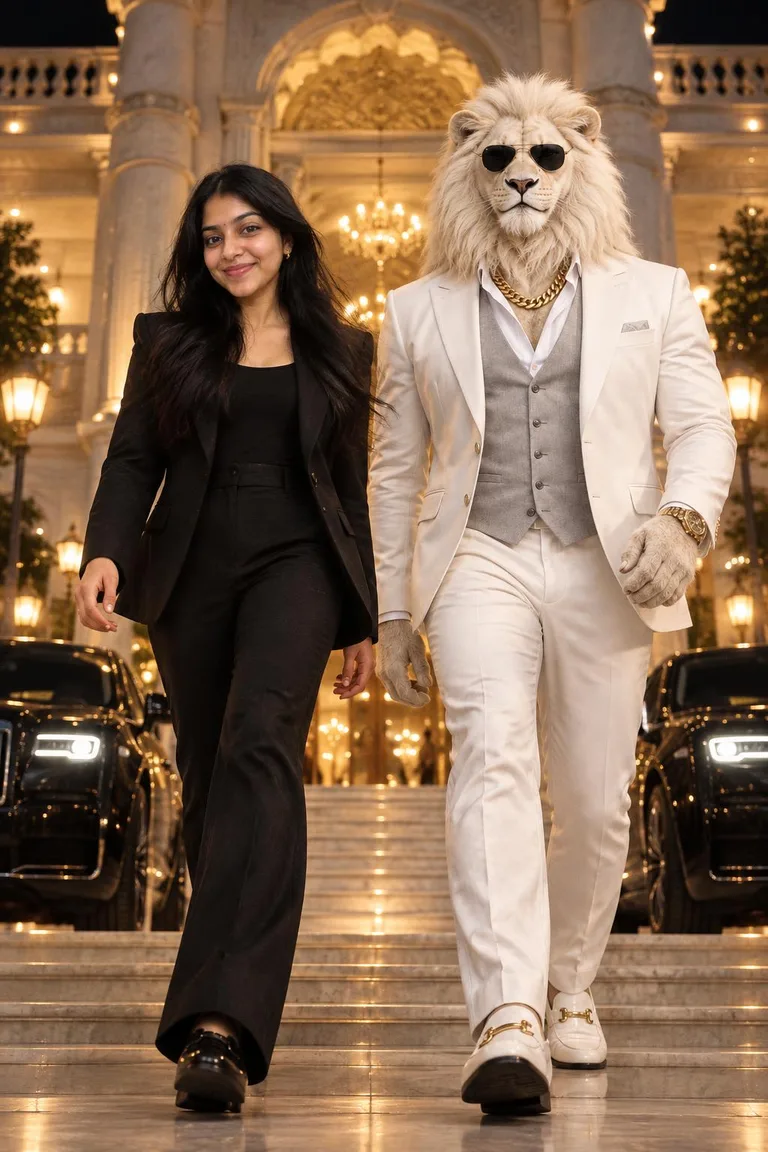
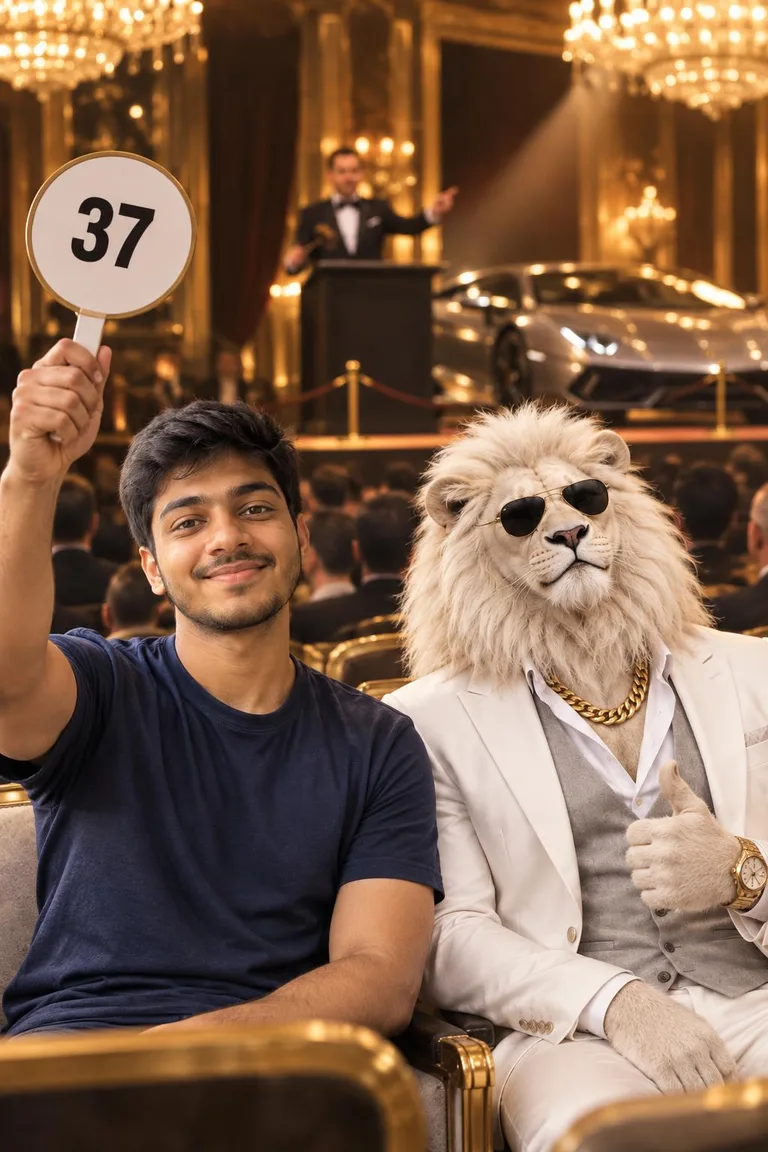
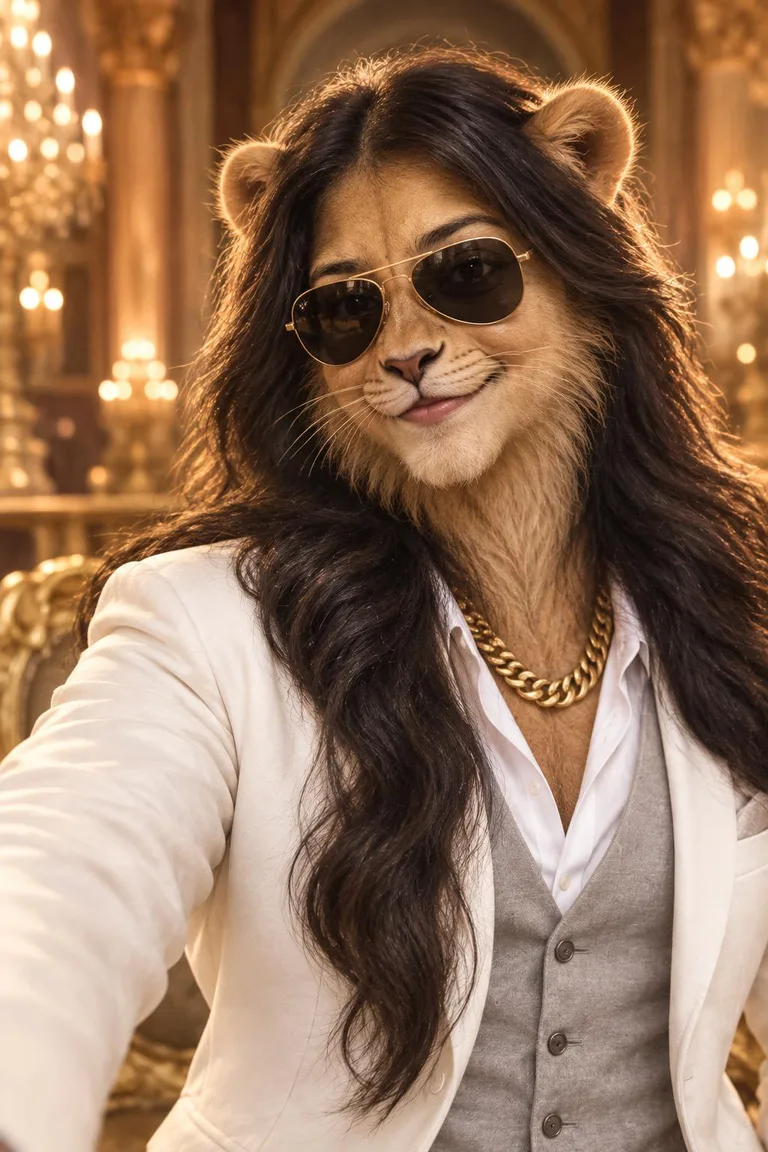
Three scenes put you next to Sheru Bhai; the fourth turns you into him. Each photo comes out vertical, 1024×1536, ready for a status or Reel cover.
- Selfie with Sheru. A close phone selfie with Sheru Bhai's paw on your shoulder, in front of a palace and a white car. The most shared Sheru Bhai photo style.
- Boss entry. You and Sheru Bhai walk down marble steps at night, both in suits. Good for a status or a Reel cover.
- Auction win. Front row at a luxury auction, you raise the paddle and Sheru Bhai nods. Made for the auction trend.
- Turn me into Sheru. You become a lion boss in Sheru Bhai style while keeping your pose and expression.
Tips for a better Sheru Bhai photo
- Use a selfie where your whole face is visible, with no sunglasses or mask.
- Avoid group photos. The AI may pick the wrong face.
- Plain backgrounds work best; the scene replaces the background anyway.
- If the first Sheru Bhai photo is not right, try a different selfie before changing the scene.
Make it move with a Hindi voice
A Sheru Bhai photo is the first step. On the Sheru Bhai video page you can animate your photo into a 5-second, 9:16 video where Sheru Bhai says a Hindi line, ready to post as a Reel or Short. Want to make your own in other apps? Copy the free Sheru Bhai prompts.
How much does a Sheru Bhai photo cost?
Two Sheru Bhai photos are free on a new account. After that, one photo costs 1 credit and a 5-second video costs 15 credits. Free credits from sign-up last 7 days; credits you buy never expire. Packs are $2.99 for 20 credits, $6.99 for 50 and $14.99 for 120, one-time, paid by Visa or Mastercard, Apple Pay or Google Pay (UPI is not available yet). If a photo fails, the credit comes back automatically. See pricing.
Questions people ask
Is the Sheru Bhai photo maker free?
Your first 2 Sheru Bhai photos are free: signing in with Google gives a new account 2 free credits, and 1 photo uses 1 credit. There is no daily free allowance. Free credits last 7 days; credits you buy never expire. Packs start at $2.99 for 20 credits, with no subscription.
Can I download a Sheru Bhai photo for free?
Yes. The free gallery on this page has Sheru Bhai photos made by us: six in 4K (2160×3840, the profile picture 2880×2880) and five in HD (1024×1536). Download them for your wallpaper, status or DP. To put your own face in a Sheru Bhai photo, use the photo maker at the top.
Do I need to sign up or download an app?
No app. The photo maker works in your phone or computer browser, such as Chrome or Safari. You do need to sign in with Google once, so your free credits and photos are saved to your account.
Do I need to write a prompt?
No. Pick one of the four scenes and the prompt is already written for you. If you want to try other AI apps yourself, our Sheru Bhai prompt page has free prompts to copy.
Will the photo keep my face?
The tool tells the AI to keep your face, skin tone and hairstyle exactly, and sends the same Sheru Bhai reference picture with every photo, so you don't have to describe him. Use a clear, front-facing selfie of just you in good light (JPG, PNG or WebP). AI can still change a face a little; if it looks off, try another selfie.
Is it safe to upload my selfie?
Your selfie is used only to make the photo or video you asked for. It is sent to our AI provider (OpenAI for photos) for processing and deleted from this site within 24 hours. We never post your photos anywhere, and you can delete your account and history from your account page. Only upload your own photo, or one you have permission to use, and never photos of children.
Can I make a Sheru Bhai video from my photo?
Yes. After your photo is ready, tap Make it move. You get a 5-second, 720p vertical video with Sheru Bhai speaking a Hindi line. A video uses 15 credits, so the 2 free credits are not enough for one; the $2.99 Starter pack covers 1 video and 5 photos.
Is this the official Sheru Bhai?
No. Sheru Bhai is a viral AI meme character. Some accounts say they created him; we have not verified any of those claims. This site is an independent fan tool and is not affiliated with, or endorsed by, any of them.